You have one good photograph of the product: clean, evenly lit, on white. It is the shot the marketplace wants as the main listing image, and it took you an afternoon to get right.
Then you need the other ones. A lifestyle shot for the gallery. A wider version for the ad. Something seasonal for the newsletter. Each one is either a second shoot or a stock background that never quite matches the light you already have.
Change the setting, keep the product
The loop is the same one as always: start from the shot you like, then correct it a round at a time. What matters here is that the product survives each round while everything around it moves.
Round 1 — the clean base
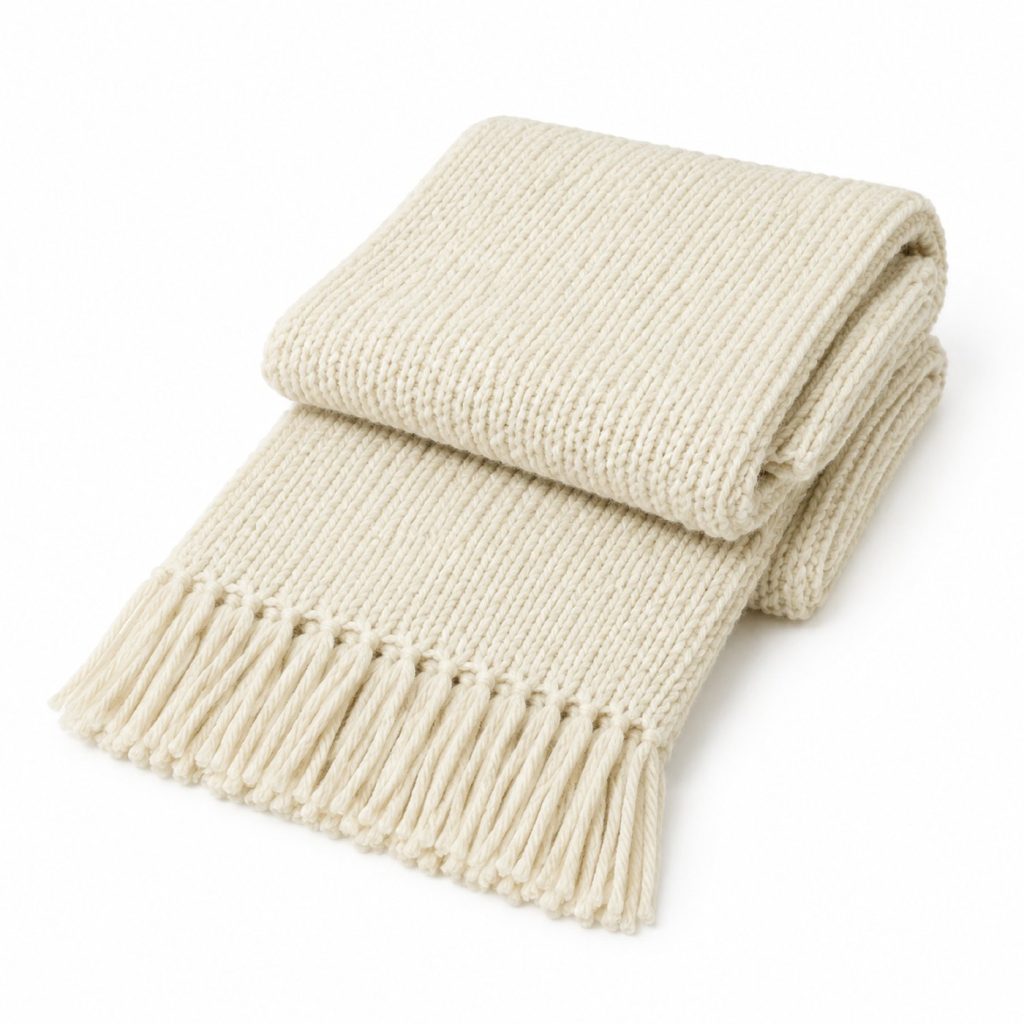
Nothing fancy. Plain white, even light, product centred. In the demo above this base was generated; in real work you would more often start from your own photograph and upload it as a reference image so that the object in later rounds is genuinely yours.
Round 2 — put it somewhere
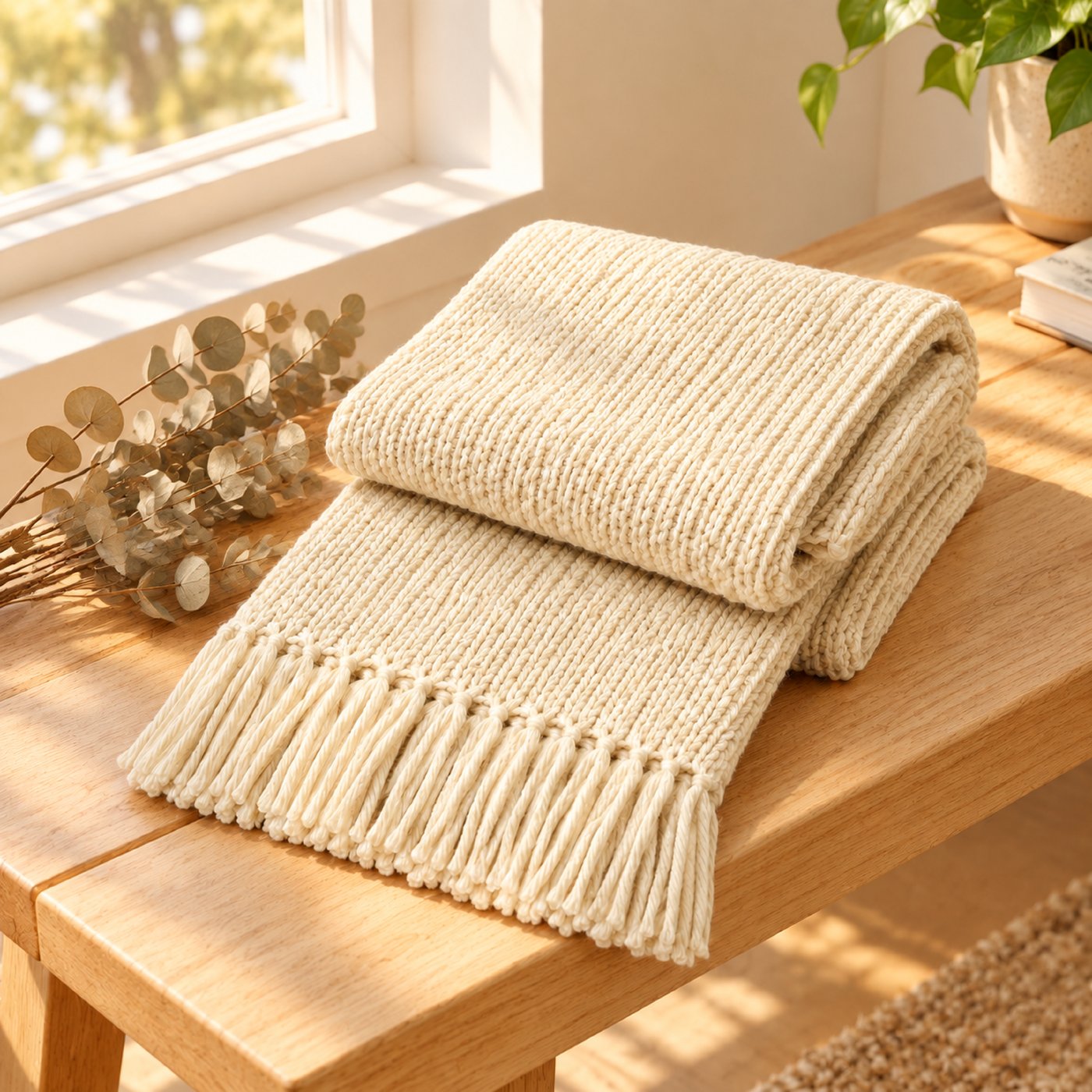
Put it on a pale wooden bench with soft morning light from a window
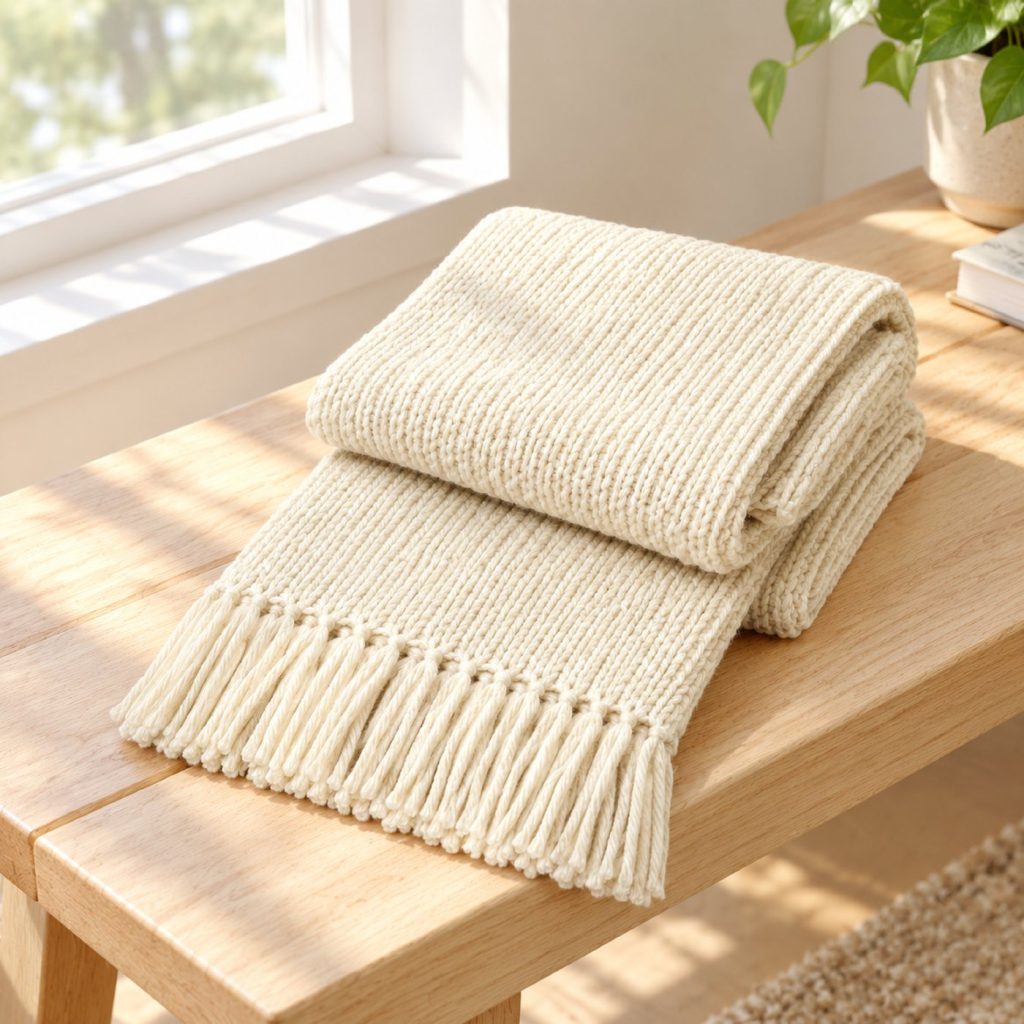
Look at the knit. Same rib, same fringe, same fold. The bench, the window and the light are new; the object is not. That is the part that a fresh prompt cannot give you — describe "cream knitted scarf" again and you get a different scarf.
Round 3 — style it for the season
Add a few dried eucalyptus stems beside it and warm up the whole scene
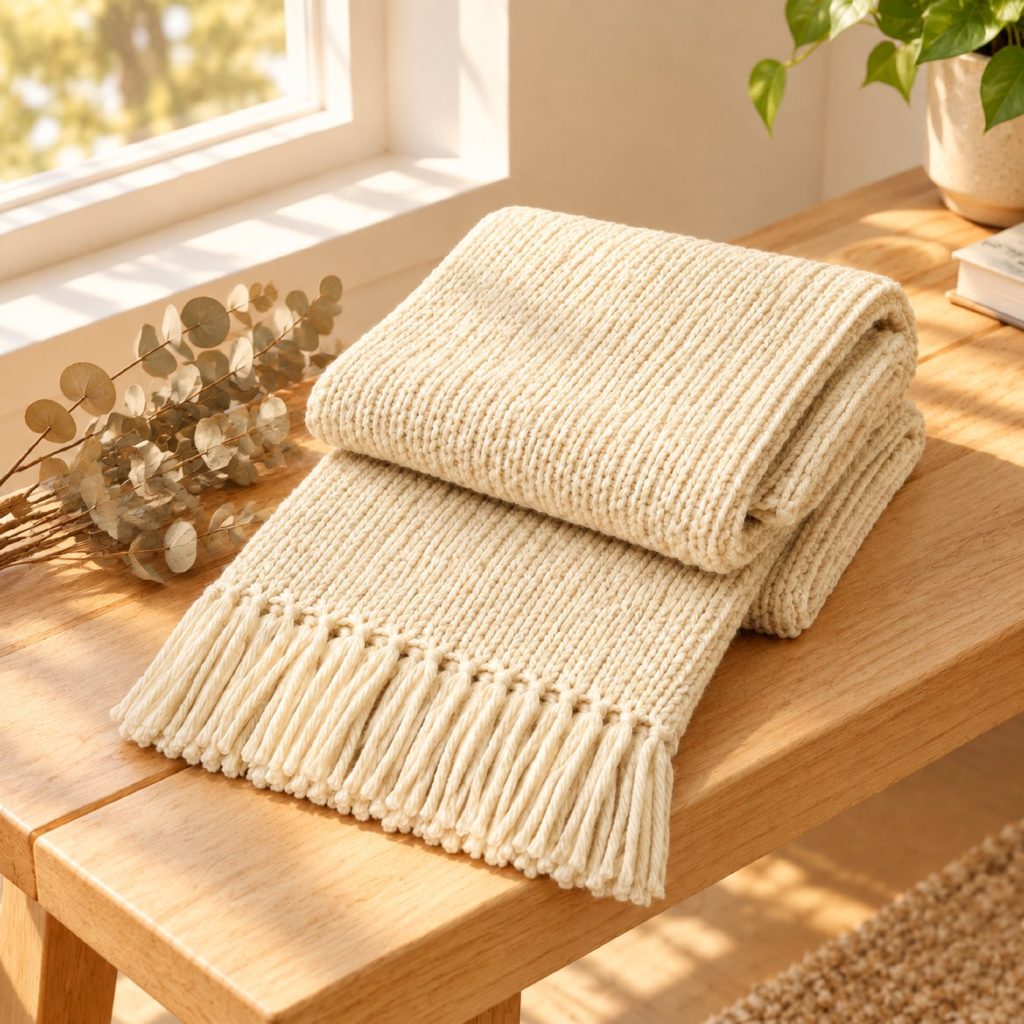
Two props and a temperature shift. Now you have a warm version for autumn without touching the product, and you can run the same conversation again in six months with make it cooler and add a sprig of pine.
Where this is genuinely useful
- Ad creative and paid social, where you need five variants of one scene
- Email headers and landing sections
- Seasonal refreshes of an existing campaign
- Mood boards and layout comps before a real shoot
Where it is not — and this part matters
A generated image must not stand in for the item a customer is buying. This is not a style guideline, it is how marketplaces and advertising rules actually work:
- Amazon requires the main image to be an actual photograph of the product on pure white, with no illustration or added graphics.
- Etsy requires listing photos to show the actual item for sale.
- Advertising standards in most countries treat a picture that misrepresents what is delivered as misleading, whatever produced it.
Rules differ by platform and they change, so read your own marketplace’s current image policy rather than taking a blog post’s word for it — including this one.
The honest workflow is a split one. Photograph the real product once, properly. Use those frames for the listing itself. Use generated variations for the surfaces where you are selling a feeling rather than certifying a specific object: the ad, the email, the mood board, the social post.
Three practical notes
- Check the product, not the scene. After each round, look at the detail that identifies your item — the stitch, the label placement, the handle shape. If that drifted, the round failed no matter how good the background looks.
- Change the set before you change the light. New surroundings bring their own lighting; adjusting warmth first means doing it twice.
- Keep one conversation per aspect ratio. The ratio locks after the first round, which is deliberate — it stops a later correction from silently reframing everything. Square for the listing gallery, 16:9 for the ad, two conversations.
Start with 300 free credits — no card required